Recorded on the guest's side
Each guest's browser records their own mic, uncompressed 24-bit, 48 kHz, before the internet touches it.

 ™
™Send a link. Guests join from a browser on their phone or laptop. Press RECORD, and each person lands on a separate track, in full quality, ready to edit.
Where it runs: Remote Recording Session is in ProdHQ Studio on Windows. In Express, bring guests in through the Video Switcher room instead, where each guest is recorded in full quality too.
What you hear during the interview comes over the internet. What you edit doesn't have to.
Each guest's browser records their own mic, uncompressed 24-bit, 48 kHz, before the internet touches it.
The file uploads in the background during the interview, so there's little to wait for at the end.
ProdHQ checks every piece, lines it up with your take (including clock drift) and swaps it in.
Push notes to guests' screens in large, readable type. Not a chat window.
Guests hear you for cues. Turn it off when your mic should stay out of their ears.
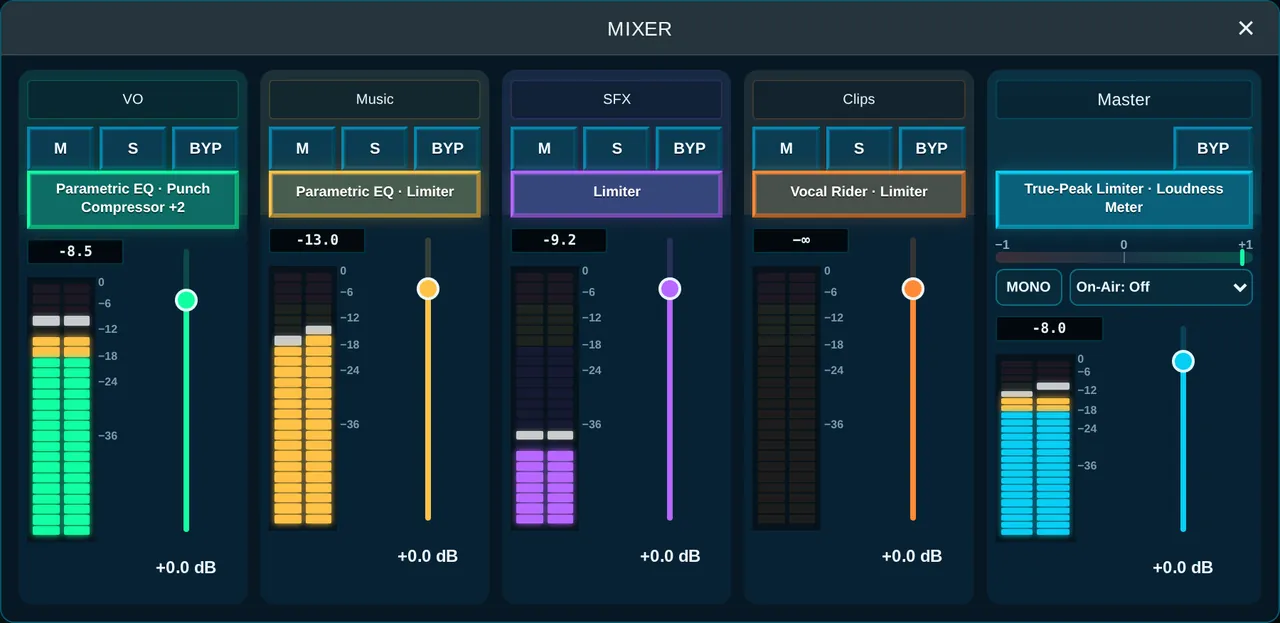
Muting a strip silences the take and the line.
Add mics from your own interface as extra tracks in the same recording.
Each strip shows when it's ready to record. A mixer rides levels.
For video podcasts, use the Video Switcher: guests on camera, every camera recorded.
Keeps speech and removes traffic, keyboards, dogs and echoey rooms. The best first step for remote guests.
Teach it what the noise sounds like and it removes only that: fans, hiss, hum.
Tame echoey rooms and take out mains hum with its harmonics.
De-Plosive, De-Click and Breath Control, each with a Listen option.
One knob to podcast loudness (−16 LUFS) with the peaks held under the ceiling.
Rides voice levels for you, so quiet guests keep up with loud hosts.
 Social clips
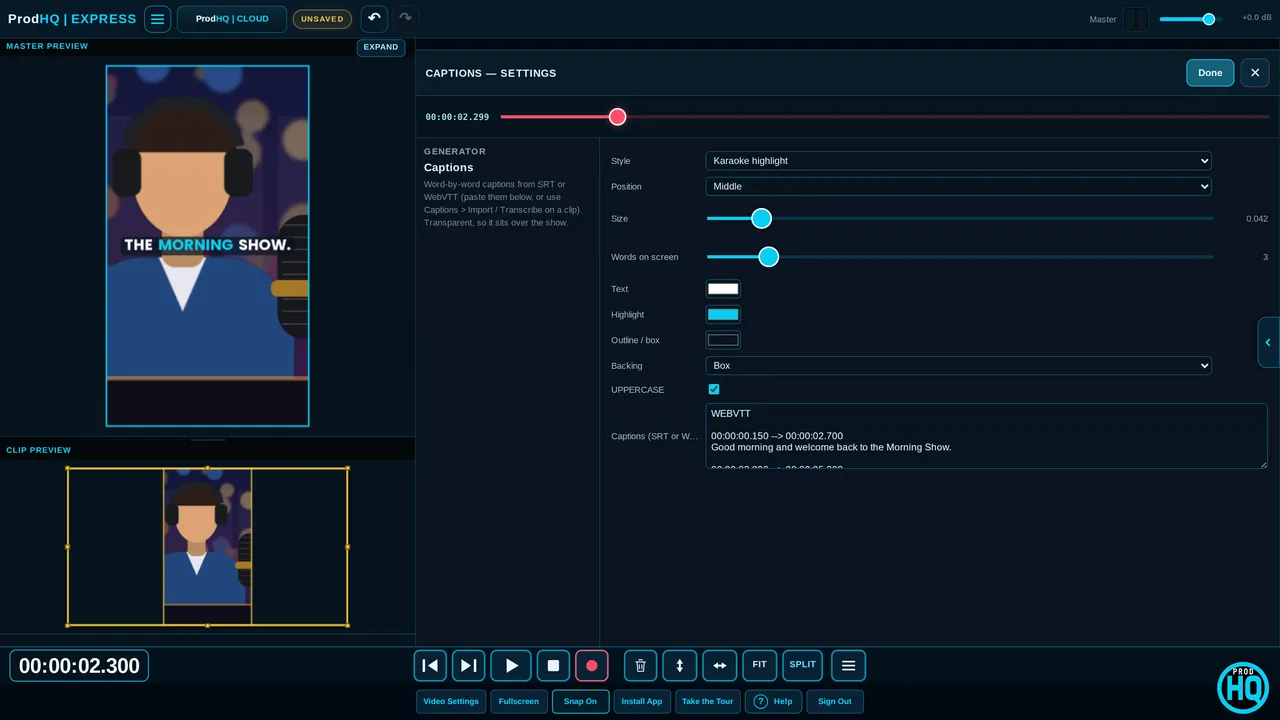
Transcribe a clip into word-by-word captions on your own computer, make a 9:16 version, or build an audiogram.
See video editing →No. Guests open the link in a browser on a phone or laptop, pick their mic, run a quick check and ask to join.
Yes. Every host, guest and local input records to its own WAV in your session, so you can edit and level each person separately.
Only during the live conversation. Each guest's browser also records their mic uncompressed at 24-bit, 48 kHz, and ProdHQ swaps that file in after you stop.
Remote Recording Session is audio-first. For video podcasts, the Video Switcher brings guests in on camera and records every camera separately.
Yes. Voice Isolation, Noise Reduction, De-Reverb, hum removal, De-Plosive, De-Click and Breath Control are built in, plus Broadcast Ready for podcast loudness.
Create an account and start Demo Mode: three 30-minute sessions with every editing tool on. Subscribe when you're ready to export and go live.