Session templates
Twelve starters (talk, interview, podcast, spots, promos, newscast, video voiceover, audiobook, imaging) with named, colored tracks and voice polish.

 ™
™Voice, bed and hits on a timeline built for radio. Fit it to time, get it loud enough for air, check it, and export a WideOrbit WAV with the cart data and markers already in it.
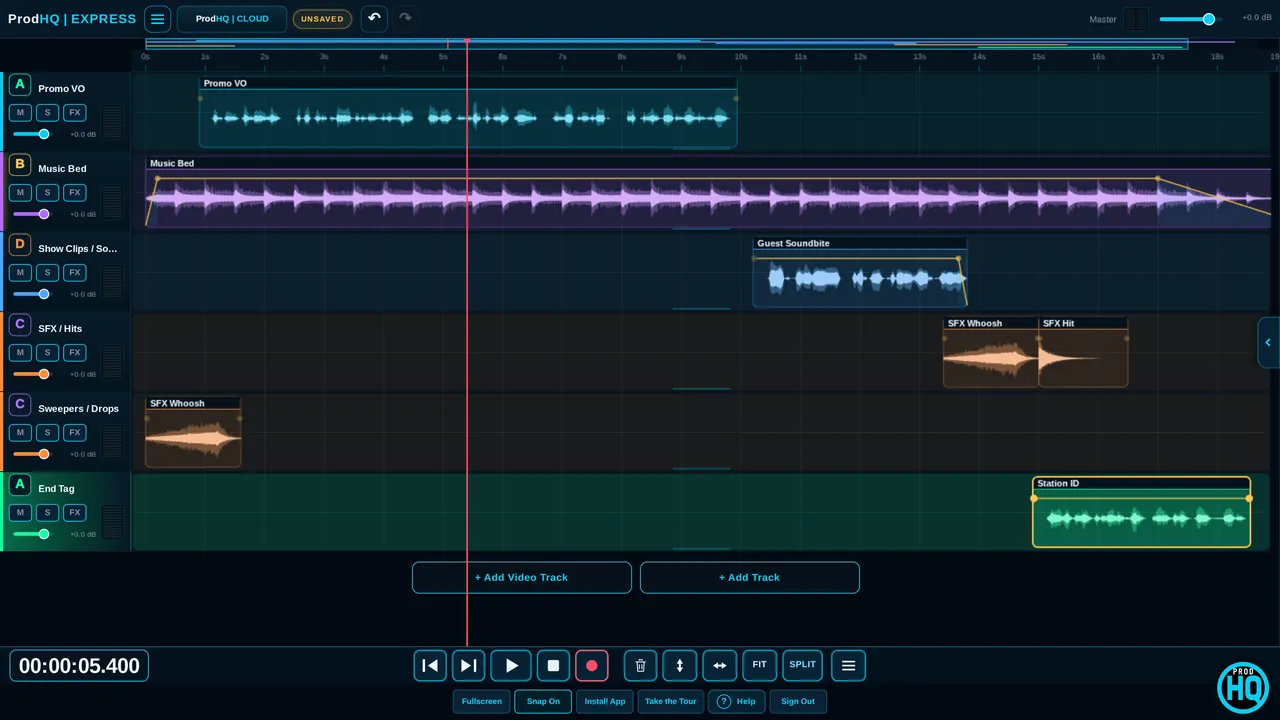
Twelve starters (talk, interview, podcast, spots, promos, newscast, video voiceover, audiobook, imaging) with named, colored tracks and voice polish.
Fit a read to :15, :30 or :60 with modes for voice, music or tape.
Rearrange a bed to a new length at the original tempo, instead of stretching it.
Music dips under the voice by itself. Soft, Standard and Deep presets.
Lay out a station ID, sweeper or outro in one click.
One-shot broadcast gain for a clip or track, or match a quiet VO to a reference.
 MIX
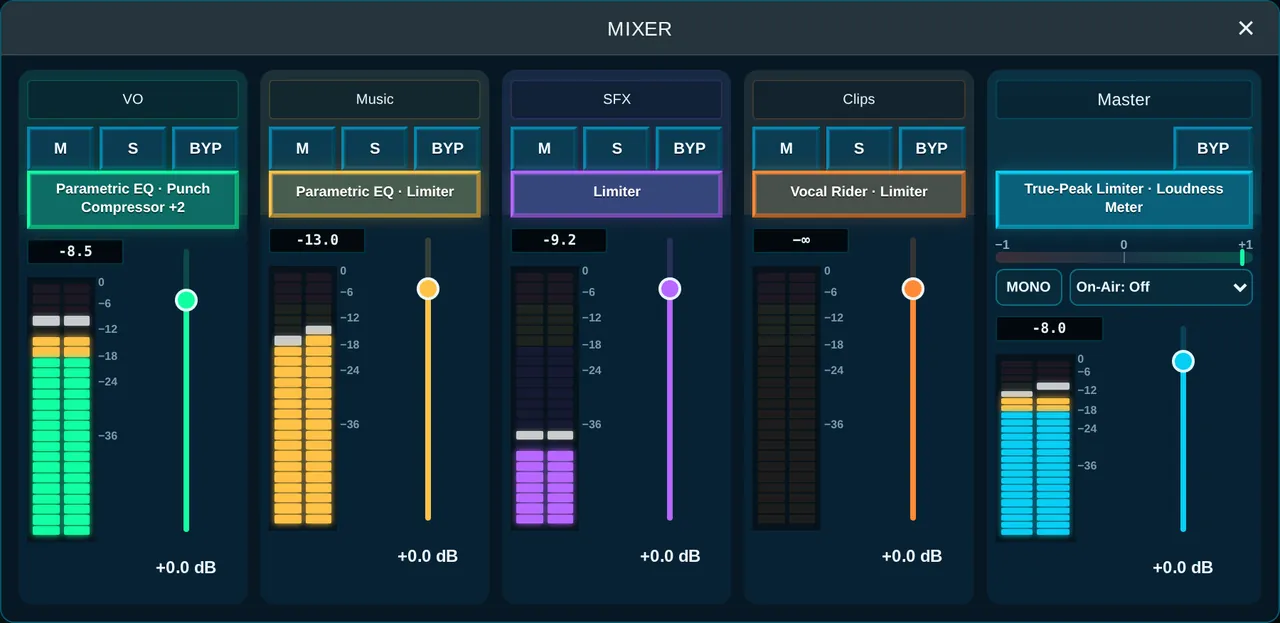
MIXVoice on one bus, music on another, hits on a third. Finish on the master with a true-peak limiter and loudness meter.
Parametric, mid/side, dynamic and match EQ; compressor, clipper, limiter and true-peak limiter.
Voice Isolation, noise reduction, de-reverb, de-ess, de-plosive, de-click and breath control.
Reverse reverb, delays, pitch and voice changer, vocoder, lo-fi, phone and codec sounds.
Up to four harmony voices in key, or gentle pitch correction.
Studio hosts 64-bit VST3 effects.
ProdHQ's voice chain as a VST3 plugin for any DAW: 36 presets, a Voice Assistant, loudness hold and imaging effects. Included with Studio.
A clean mix isn't finished if the automation system rejects it. ProdHQ is built around that last step.
44.1 kHz, 16-bit stereo with SCOT cart data, so it imports clean instead of bouncing back.
Press I or E while playing. Markers travel inside the file.
Scans for hot peaks, dead air, stacked talk and missing markers, and can fix some of them for you.
Prepare and export a stack of assets at once.
Bounce, write the delivery files and leave a receipt in your import folder.
For everything that isn't going to automation.
Arm lanes for each source, with every input of every device and split stereo when you need it.
StudioPlay, stop, record and jog from a RODECaster, VoxPro or Stream Deck without touching the mouse.
StudioYes. WideOrbit WAV gives you 44.1 kHz, 16-bit stereo with SCOT cart data and intro and end markers. Plain WAV and MP3 are there too.
Yes. Fit to :15, :30, :60 or a custom length, with voice, music and tape modes. For music beds, Remix rearranges the bed to the new length at its original tempo.
Add Broadcast Ready to the master, pick Radio Spot, ATSC, EBU, Podcast or Stream, and turn Amount up. Check it on the Loudness Lane. For exact TV delivery, finish with a loudness match in EXPORT.
Yes. Studio hosts 64-bit VST3 effects, and includes LUMEN, ProdHQ's voice plugin that also works in other DAWs.
The RADIO room supports RODECaster, VoxPro, Stream Deck and generic learned controllers.
Create an account and start Demo Mode: three 30-minute sessions with every editing tool on. Subscribe when you're ready to export and go live.